
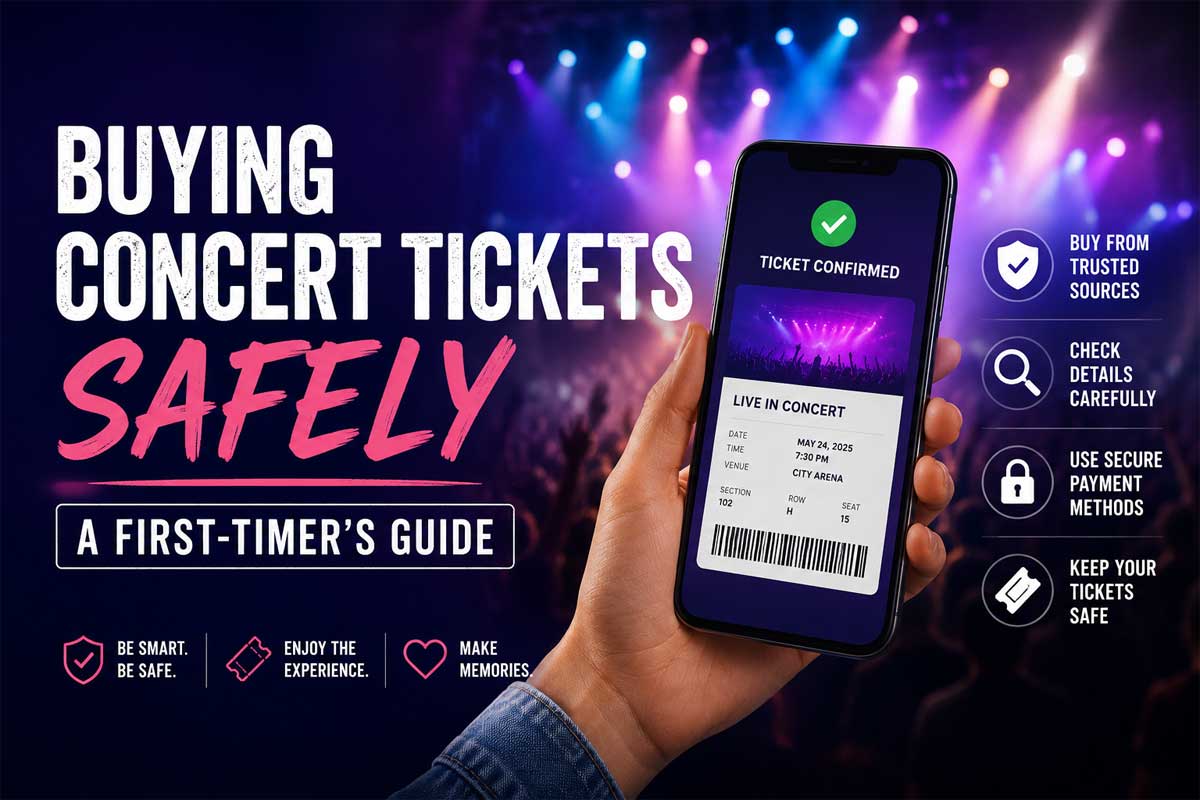
My first concert almost didn’t happen.
I was nineteen, I’d found a “great deal” on a Facebook group, and I sent a stranger money for two tickets that turned out to be screenshots of somebody else’s barcode. We stood outside the venue for forty minutes while a very tired security guard explained, for what was clearly not the first time that night, that a picture of a ticket is not a ticket.
So. Buying concert tickets safely is not a boring topic to me. It’s the difference between a night you remember forever and standing in a parking lot feeling like an idiot.
Here’s everything I wish someone had told me.
Start with the on-sale, not the resale
Before you go looking anywhere else, check whether tickets are still available directly from the venue or the artist’s official page. Sounds obvious. People skip it constantly because they assume a big show is instantly sold out.
Often it isn’t. Holds get released. Production seats open up a week before the show. Artists announce extra dates. If face value is available, take it — you’ll pay less, and you skip the resale question entirely.
Sign up for the artist’s mailing list. Presale codes go out there first, and they go out to fewer people than you’d think.

When the show is sold out, use a real marketplace
This is where most people get burned. A sold-out show creates panic, panic creates bad decisions, and bad decisions look like DMing a stranger on Twitter who has “2 tix, face value, PayPal friends and family only.”
Never do that. Friends-and-family payments have no buyer protection. That’s the entire reason scammers ask for them.
Instead, use an established resale marketplace that guarantees your order. Platforms like StubHub sit between you and the seller — if the tickets don’t show up, or don’t scan, or aren’t what was listed, you’re covered by the platform’s buyer guarantee rather than by the honor system. That protection is the whole product. It’s what you’re paying the fee for.
Understand the fees before you fall in love with a seat
Here’s the thing nobody enjoys: the price you see first is rarely the price you pay.
Service fees, delivery fees, and sometimes local taxes get added at checkout. On a $90 ticket, expect the final number to land somewhere north of $110, depending on the event and the platform.
Most sites now let you toggle “show prices with fees” or similar. Turn it on immediately. It changes how you shop, because a $75 ticket with heavy fees can end up costing more than an $85 ticket with light ones, and you’d never know from the listing page.
Read the listing like a lawyer
I mean it. Slow down and actually read.
- “Obstructed view” means a pillar, a speaker stack, or a lighting rig is going to be between you and the band. Sometimes it’s fine. Sometimes you watch a screen.
- “Piggyback seats” means two seats in front of each other, not side by side.
- “Instant download” vs. “transfer within 48 hours of event” — the second one is normal and safe, but it means you’ll be checking your email nervously the day before. Plan for it.
- “Standing room only” is exactly what it says. Great energy, three hours on your feet.
Also check the section number against a seating chart for that specific venue. Section 112 at one arena is a completely different experience from section 112 at another.
The scam checklist
If any of these show up, walk away:
- The seller wants payment by Venmo, Zelle, Cash App, gift card, or crypto.
- The price is dramatically below every other listing for the same section.
- They send you a photo or PDF of a barcode. Modern tickets are transferred through the ticketing app itself. A barcode image can be screenshotted and sold ten times.
- They pressure you: “three other people are asking, I need an answer in ten minutes.”
- The account is new, has no history, or the profile picture reverse-image-searches to a stock photo.
Urgency is the scammer’s only real tool. Slow down and it stops working.

Buying for a group
Filter for the number of tickets you need first. A lot of listings have quantity restrictions — a seller with four tickets may not let you buy just one, because it strands them with three.
And if you’re the one collecting money from friends, collect it before you buy. This is not a ticket-safety tip. It’s a friendship-safety tip.
Day-of logistics
Download the ticketing app before you leave the house. Add the tickets to your phone’s wallet. Screenshot them as a backup — not because a screenshot works for entry (it usually doesn’t), but because having the order number visible when the venue wifi dies at 7:40pm will save you.
Charge your phone. Bring a battery pack. Your ticket lives on a device that dies.
The short version
Check official sources first. Use a marketplace with a real buyer guarantee. Turn on all-in pricing. Read the listing carefully. Never pay a stranger directly, and never let urgency make the decision for you.
Then put your phone away and actually watch the show. That part, nobody can guide you through.